$39.07
$73.06
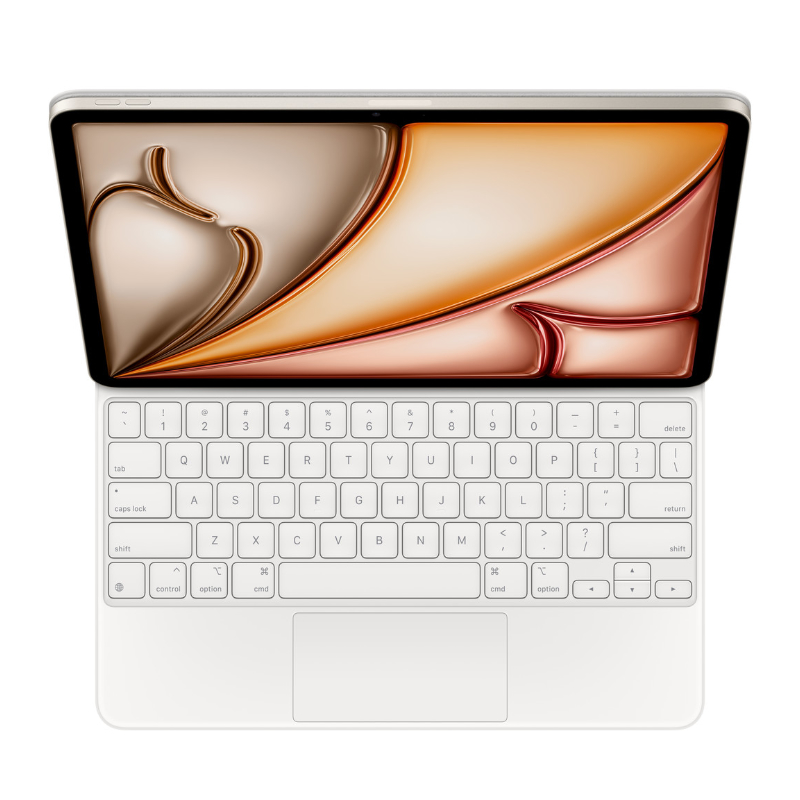
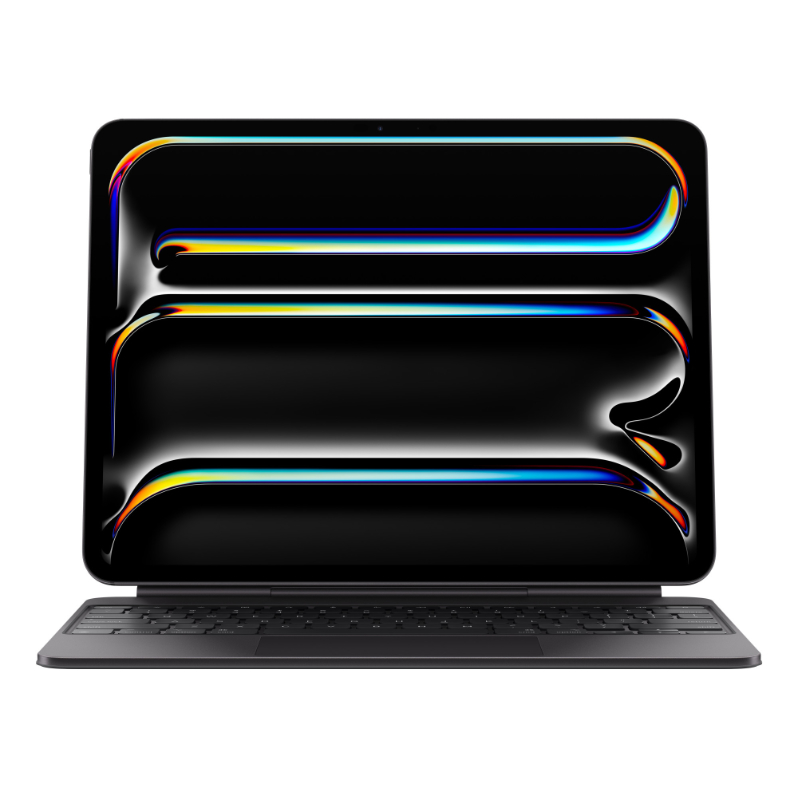
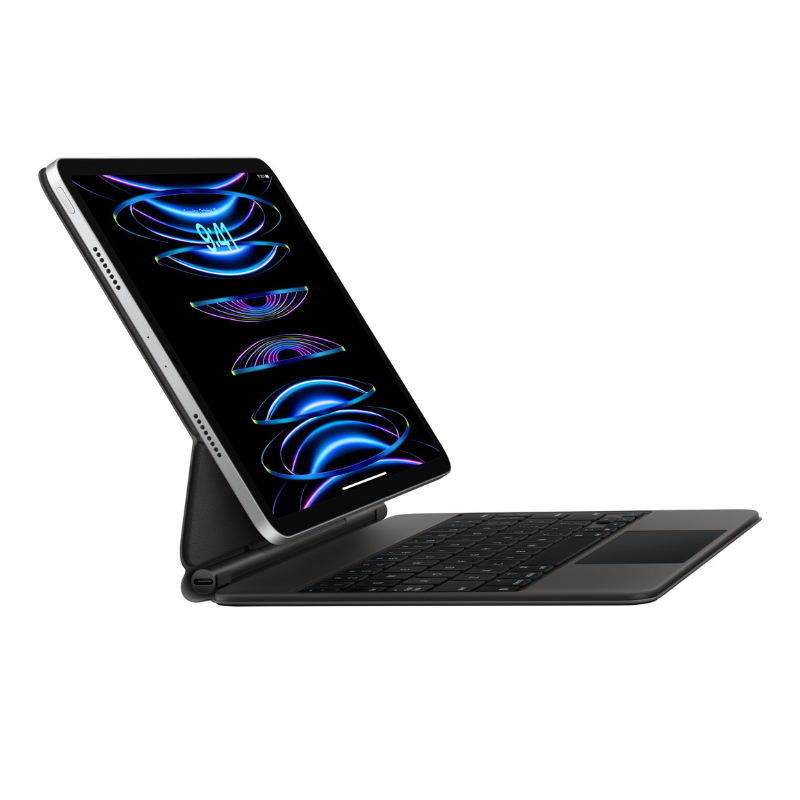
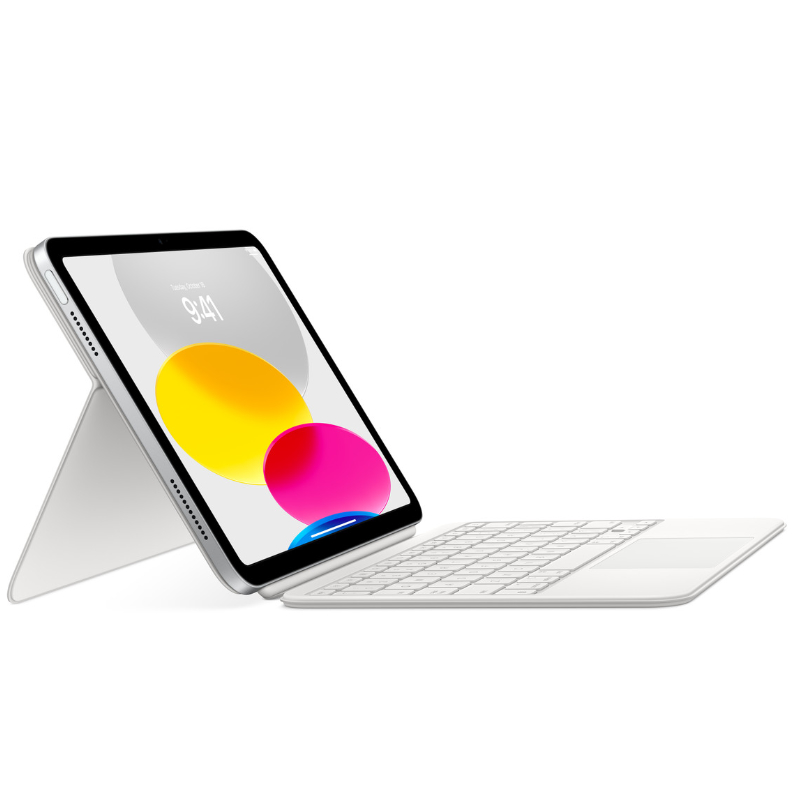
Magic Keyboard for iPad Pro 11-inch Magic Keyboard for iPad Pro 11-Inch – The Ultimate Typing & Trackpad Experience Transform your iPad Pro 11-inch into a true productivity powerhouse with the Apple Magic Keyboard. This sleek, backlit keyboard offers an incredibly responsive typing experience and a built-in trackpad that brings the full macOS-like functionality to your iPad. Whether you’re editing documents, designing, or multitasking, the Magic Keyboard provides the comfort and control you’ve been missing. �� Secure Magnetic Attachments⚙️ Trackpad with Multi-Gesture Support�� No Charging Required – Powered by iPad �� Shop in Nairobi: Bazaar Plaza, 8th Floor, Room 853, Kimathi Street, Moi Avenue�� Call/WhatsApp: 0704328559�� Buy Online: iPhoneCare Kenya – Apple Accessories�� Email:
[email protected] �� Technical Specifications Feature Details Product Magic Keyboard for iPad Pro 11-inch Compatible Devices iPad Pro 11″ (1st to 4th Gen), iPad Air (4th & 5th Gen) Connectivity Smart Connector Trackpad Yes – Multi-touch, gestures supported Keyboard Type Full-size with backlit scissor mechanism keys Viewing Angles 90° to 130° (floating cantilever design) Charging USB-C pass-through for iPad charging Color Space Grey or White Weight Approx. 600g ✨ Key Features 1. Full-Size Keyboard with Backlit Keys Enjoy a smooth, tactile typing experience with the scissor mechanism keys, complete with backlighting for typing in low-light conditions. Perfect for writers, students, and remote workers. 2. Built-In Trackpad with Gesture Support Get full cursor support in iPadOS with the integrated multi-touch trackpad. Navigate apps, edit spreadsheets, and multitask effortlessly. 3. Floating Cantilever Design The iPad appears to float above the keyboard thanks to the adjustable magnetic hinge, which offers a range of tilt angles for comfortable viewing and typing. 4. USB-C Charging Port Free up the iPad’s port by using the keyboard’s built-in USB-C passthrough for charging, leaving your iPad’s port available for other accessories. 5. Magnetically Attaches Instantly No Bluetooth needed! The Magic Keyboard connects using the Smart Connector for an instant, stable connection—no pairing or charging necessary. ✅ Pros & ❌ Cons ✅ Pros ❌ Cons Elegant design and premium build Pricey compared to other keyboards Responsive, quiet typing Slightly heavier than the Smart Folio Built-in trackpad for full iPadOS functionality Not ideal for casual users Pass-through USB-C charging Only works with iPads that have Smart Connector Protective case for front and back No function keys (e.g., volume, brightness) ��️ Who Is It For? Professionals using iPad for work Students and note-takers Designers and editors needing trackpad support Remote workers who want laptop-like performance Creatives who want portable productivity �� What’s in the Box? Magic Keyboard for iPad Pro 11″ User Manual Apple Warranty Information �� Related Products Apple Smart Keyboard Folio – Lightweight alternative Apple Pencil (2nd Gen) – Draw, write, and annotate iPad Pro 11” – Compatible with Magic Keyboard USB-C Accessories for iPad Pro �� Helpful Resource Explore full iPadOS trackpad gesture support:�� Apple iPadOS Gestures Guide